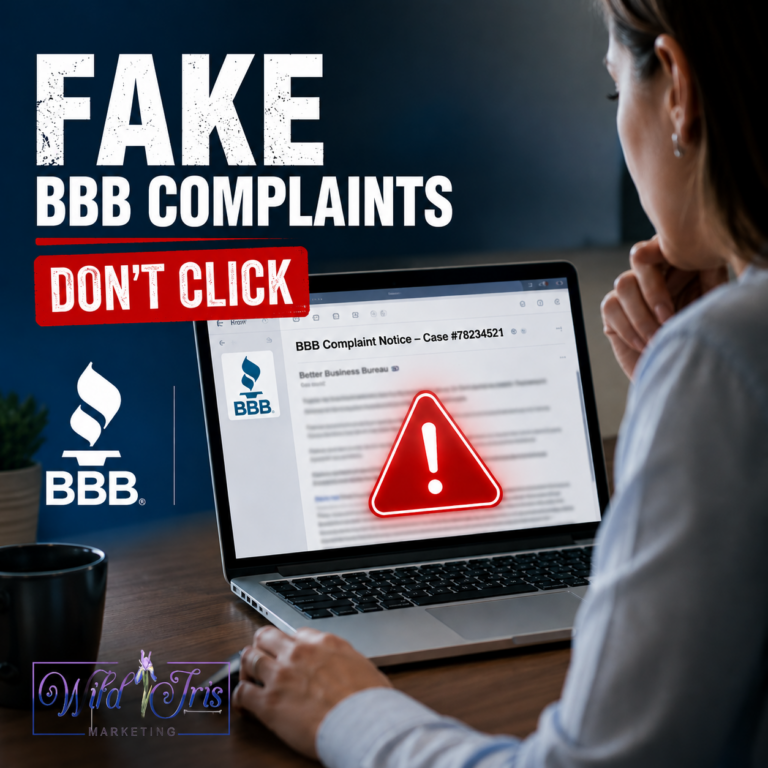
Please read this post! We don’t often issue warnings unless they are urgent, so when we do you know it’s warranted.
A sophisticated phishing scam is actively targeting Facebook business page owners, nonprofit organizations, and marketing teams, and we’ve already seen clients affected by it.
The consequences can be serious: compromised Business Manager accounts, losing access to your business pages, stolen login credentials, and in some cases even fraudulent ad campaigns launched from your own account without your knowledge.
Here’s what you need to know.
How the Scam Works
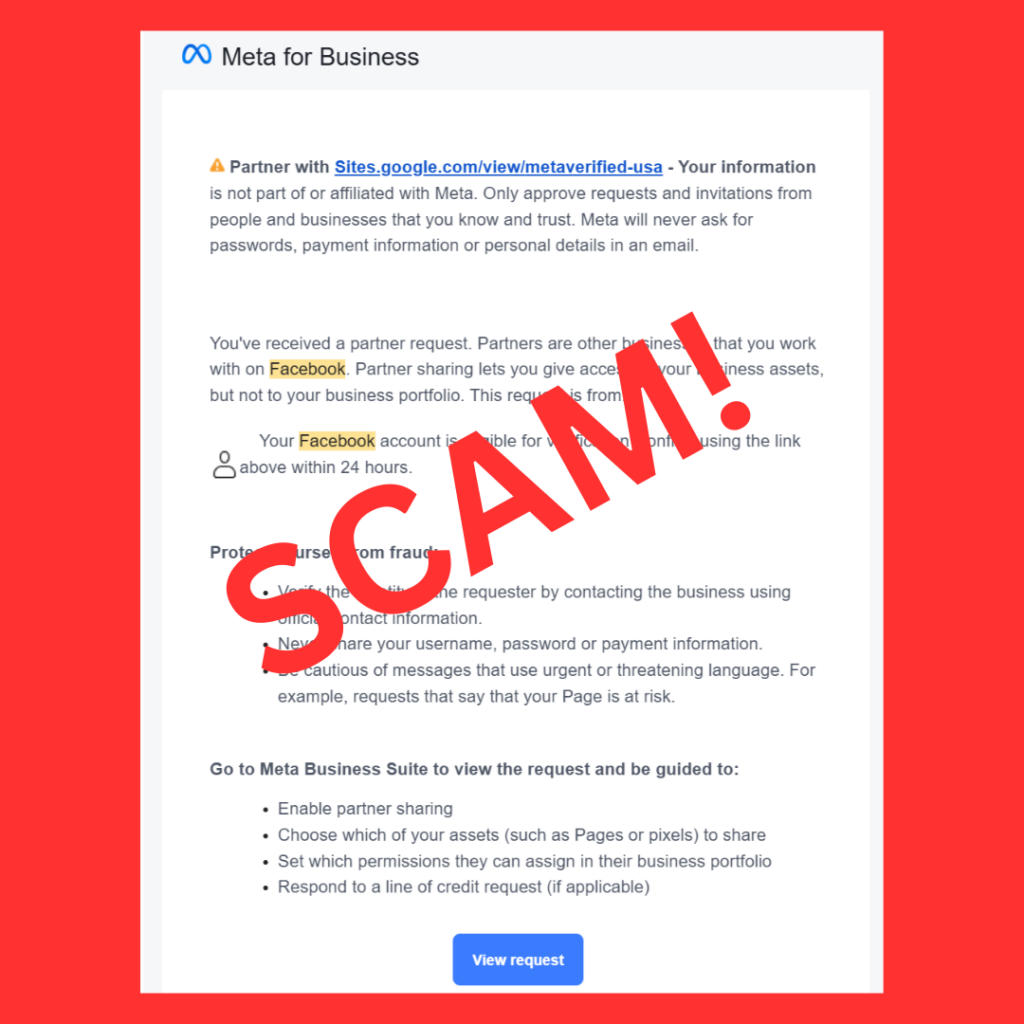
Scammers are sending messages that appear to come from Meta or Facebook Business Support. The message typically claims one or more of the following:
- Your Facebook account is eligible for verification
- You have received a new partner request
- You must confirm your account within 24 hours
- Your page or business assets may be at risk if you don’t act
The message then directs you to click a link that appears official but actually leads to a fraudulent website. These fraudulent sites are often hosted on legitimate third-party platforms like Google Sites or Google Drive, specifically to make it look trustworthy. One example we’ve seen recently uses a URL similar to:
sites.google.com/view/metaverified-usa
That page has no affiliation with Meta whatsoever.
What makes this dangerous is that scammers have learned to send these messages from legitimate Google services, which allows them to pass the spam filters that would normally catch phishing attempts. This makes the message look completely normal and scam-free in your inbox!
Red Flags to Watch For
The link doesn’t go to Meta. Legitimate Meta business requests are handled through Facebook Business Manager or Meta Business Suite. Meta does not use Google Sites, Google Drive, or any other third-party platform to verify accounts or manage business assets.
Artificial urgency. Scammers create urgency deliberately. A message that tells you to act within 24 hours or risk losing your account is specifically designed to trigger panic and bypass your better judgment before you have time to verify whether the request is even real in the first place. Legitimate platforms do not threaten you with immediate account loss to pressure you into clicking a link.
The verification badge offer. The promise of a blue verification badge is a common lure used in these scams. It’s appealing and it feels legitimate. And it’s usually fake.
Generic or slightly off language. These messages often combine real Facebook terminology with vague or awkward phrasing. They might also have misspellings and odd use of capitalization. If something feels off about the content or grammar in the message, trust your instinct.
A sender address that isn’t from a Meta domain. Legitimate communications from Meta come from “meta.com” or “facebookmail.com” addresses. Anything else should be treated with suspicion, even if the email otherwise looks normal and polished.
What Happens If You Click
Most of these phishing sites are designed to collect:
- Your Facebook username and password
- Two-factor authentication codes
- Business Manager access credentials
- Personal identification information
- Payment information
Once scammers gain access, they may:
- Lock legitimate administrators out of their accounts
- Add unauthorized users to Business Manager
- Launch fraudulent advertising campaigns charged to your payment method
- Use your compromised page to target both your customers and followers
Research has documented approximately 30,000 victim records collected in a single recent campaign, with the majority of victims located in the United States. This is not a small or isolated problem.
How to Verify Whether a Request is Real
Never act on a link sent in an email, direct message, or unsolicited notification. Instead:
- Open Facebook or Meta Business Suite directly in your browser by typing the URL in yourself or through the mobile app
- Log in through the official platform
- Navigate to your Business Settings
- Check for any partner requests, policy notifications, or verification updates
If a request is legitimate, it will appear inside your actual Meta account. If it doesn’t show up there, it isn’t real.
What to Do If You’ve Already Clicked
If you entered your credentials on a suspicious site, act fast and follow these steps immediately.
Right away:
- Change your Facebook password
- Enable two-factor authentication if it isn’t already active
- Remove any unfamiliar users from Business Manager
- Review your ad accounts for unauthorized activity
- Check your Page roles for anyone you don’t recognize
Then:
- Contact Meta support to report the compromise
- Notify your internal team
- Document any suspicious changes for your records
The faster you act, the better your chances of limiting the damage.
Have Scammers Contacted You?
At Wild Iris Marketing, we recommend treating any unexpected message about Facebook verification, policy violations, account restrictions, or partner requests with extreme caution. If the message directs you away from Meta’s official platform, do not click it, it is almost certainly a scam.
We’ve already worked with clients affected by these scams, and the sophistication of these attacks just continues to increase. The best defense is to verify every request through official channels before taking any action.
If you’re unsure whether a Facebook or Meta notification is legitimate, contact us before you respond. We would much rather help you verify a message than have to help you recover a compromised account!
Stay safe out there.
The Wild Iris Marketing Team