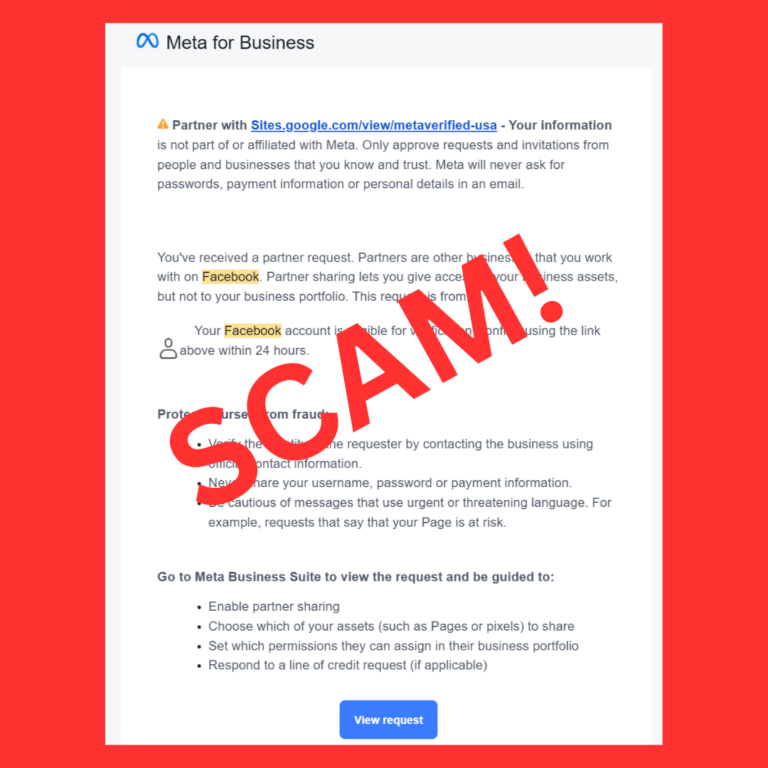
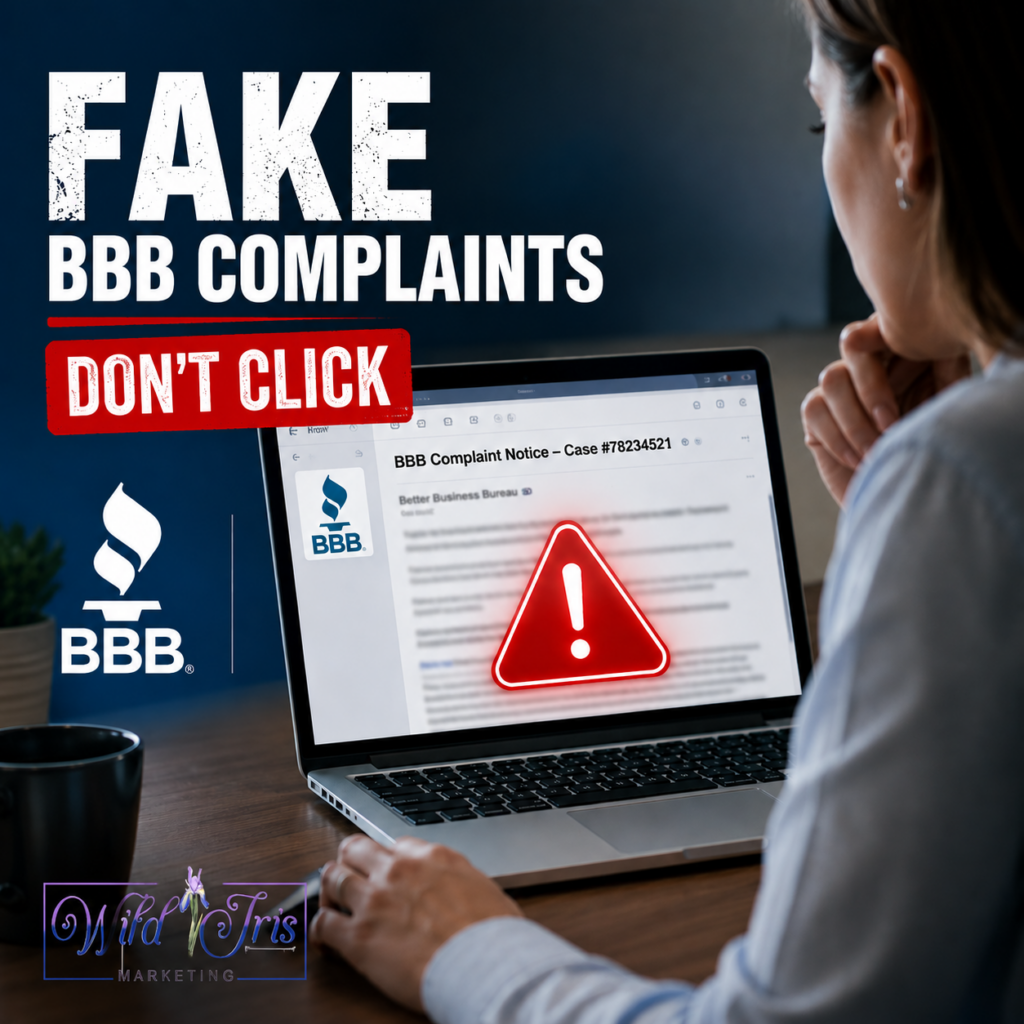
Wild Iris Marketing recently received a scam email pretending to be a Better Business Bureau complaint. We spotted it right away, but we urgently wanted to show what the scam looked like, what it’s up to, and what Windows users should refuse to do if they see it.
The Bait is Cast
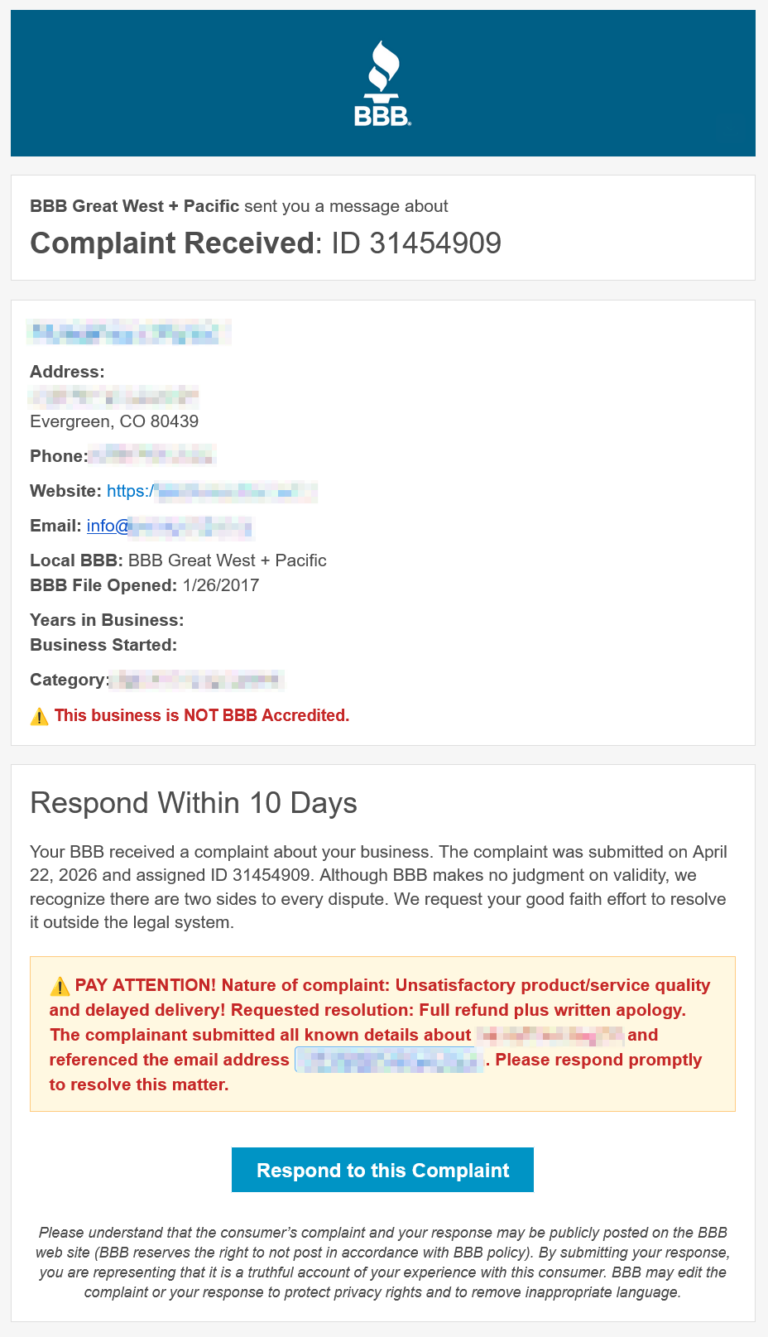
The email looked like something that needed a response. It had business information (address and contact info from some government or industry database, probably) that legitimately was our info. A BBB complaint sounds urgent enough that a business owner may click in fear before slowing down and thinking with the right amount of skepticism. Cleverly, it doesn’t show any info about who is making the complaint to the BBB. They would need to know something about your customers to plausibly come up with that info, and that’s just too much effort for the scammers. They’re looking for a quick win by taking over your computer and getting into your private accounts, like banking and email. They’re forcing you to go to their “BBB Website” to satisfy your curiosity and allay your fear about a bad customer report.
The first place to check was the blue “Respond to this Complaint” button. When we pointed the mouse cursor at it in the browser, it did not show a bbb.org link. In our case, it showed a Blogspot address. But many people will not check that.
That Blogspot page immediately redirected to another domain that looked like some bland SaaS authentication app service:
company-vendor . nservidor . com / some-better-business-looking-url-path
A real BBB complaint response probably should not move from an email button to Blogspot, then to a random vendor-looking domain (but honestly, we’ve seen legit website/email flows that progress through some generic looking and weird intermediate URLs, so…).
The Hook is Set: The Fake Verification Screen
After the redirect, the page showed a convincing BBB-branded “confirm you’re human” screen. This actually looked pretty legit, if we’re being honest. Except for the weird domain name/URL.
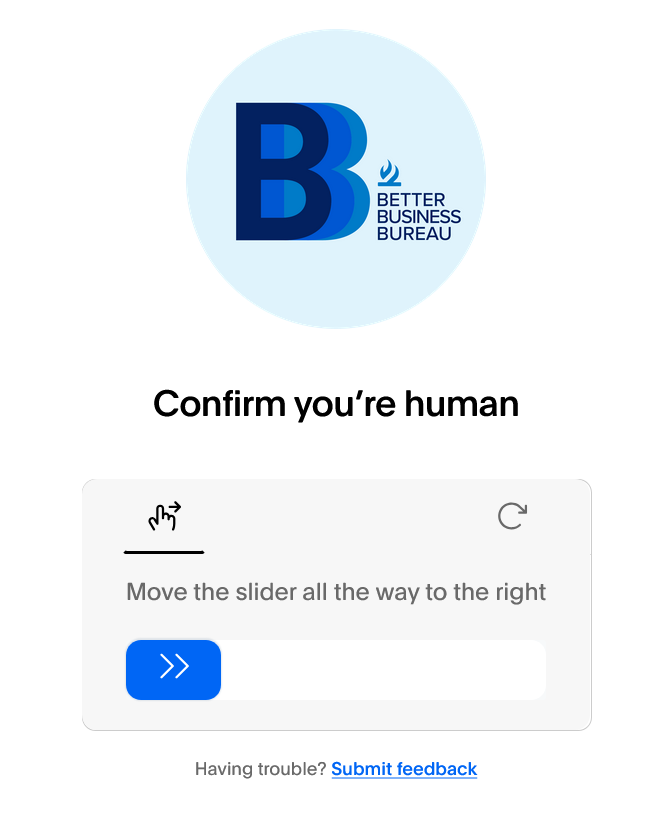
This screen is probably pretty effective at this stage because people are SO used to CAPTCHAs. We click them constantly. Many legitimate websites use them because bots attack login forms, contact forms, comment forms, and checkout flows.
But this one was NOT behaving like a normal verification. We played along to see how the scam would progress. When we tried to move the slider to the right, it failed every time.
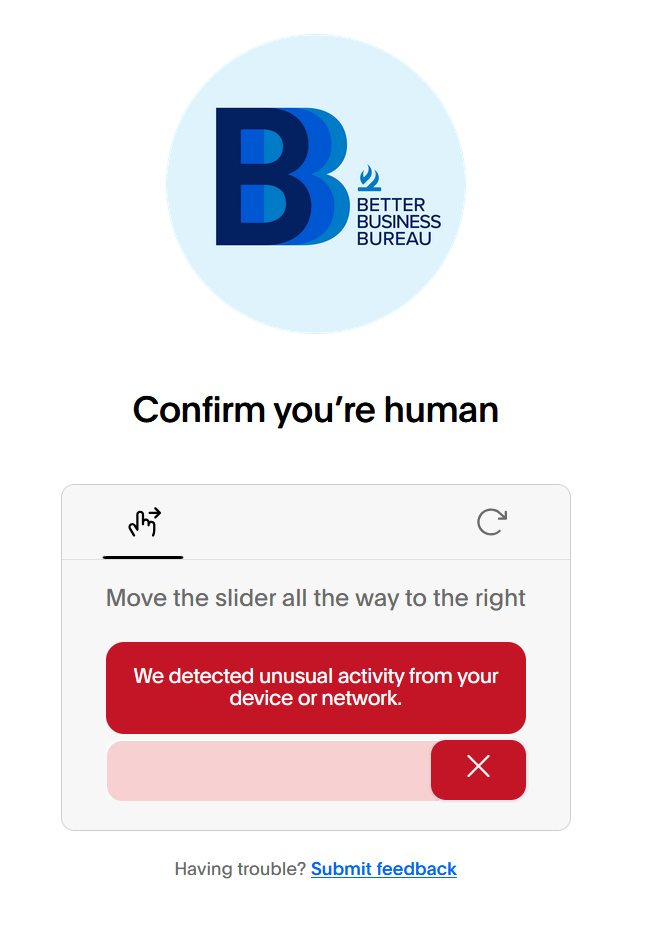
The failure is 100% intentional. It’s never going to work. The scam wants you annoyed enough to keep going. It is using normal computer frustration against you: “these stupid websites never work, I just need to get past this.”
Reeling In
After the failed slider, the page moved to a second verification screen. This is where the scammers try to land you like a hooked fish.
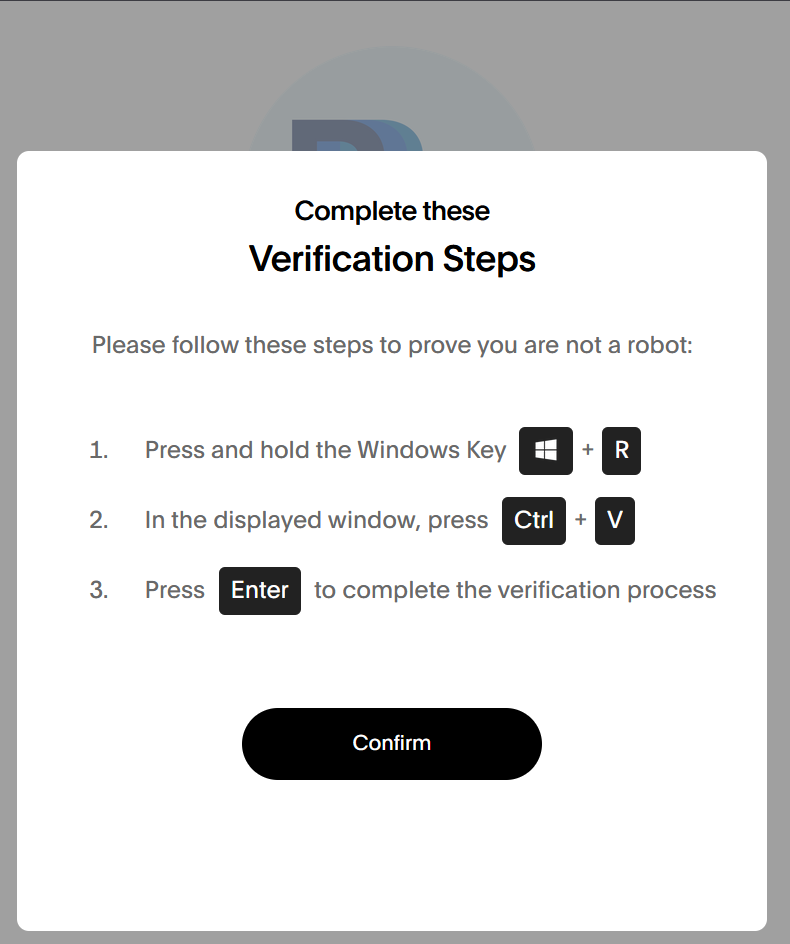
THIS CAPTCHA-esque screen did not ask us to select every square with a traffic light, identify all the koalas, click on squares containing pineapples, line up puzzle pieces or ask for letters from a distorted image.
It just asked us to press some simple harmless-seeming keyboard shortcuts:
Windows + R
then:
Ctrl + V
It's a Trap!
On Windows, Windows + R opens the Run dialog. The Run dialog is a small box that lets you start programs and type commands directly.
Ctrl + V pastes whatever is currently in your clipboard.
The important part is that a website can put text into your clipboard after you interact with the page. That means the page can make it look like you are only doing a verification step, while it has already copied a poisonous command into the clipboard behind the scenes.
So when a fake CAPTCHA tells you to press Windows + R, then Ctrl + V, it is trying to paste a command into the Run box. If it then tells you to press Enter, that command runs.
The pasted command will use Windows tools such as PowerShell or other built-in utilities to download and run malware. The attacker is trying to get you to install the malware yourself, because you are the one pressing the keys, and running commands AS YOU, the person who owns and has complete control of your computer and its Operating System.
PCMag has covered this same fake CAPTCHA technique, where Windows users are tricked into opening Run, pasting a hidden command, and executing malware: This CAPTCHA Test Can Trick Windows Users Into Installing Malware.
The scam is clever in an ugly way because it does not need to break into Windows. It talks YOU into opening the door and inviting it in for tea.
What to (and NOT TO) do
Check links before clicking buttons in complaint, invoice, password reset, and account warning emails. If the visible brand is BBB, the link should make sense for BBB. If in doubt, go contact the organization who purportedly sent you the notice yourself, NOT using contact info found in the email.
If a website asks you to use Windows + R, stop. A website does not need the Windows Run dialog to prove you are human or do anything else.
DO NOT EVER press Windows + R, especially followed by CTRL + V when directed by a website or person. This same “get you to run a command” trick is used by fake “tech support” people (see below).
If you think your Windows computer has been hacked in this way, you probably want to power it off immediately and contact a local computer technician. Without specifically singling any out, most of our local well-known repair shops are trustworthy.
Do NOT just do an internet search for virus removal or anything and call a phone number claiming to be Microsoft, Google, Facebook, or any other service provider that can help you fix it over the phone. Most of those websites are also scams. They will try to gain control of your computer by getting you to type commands similar to what the BBB attacker was doing, or by downloading sketchy tools from a “support website” that lets them take control. Out of the frying pan, into the fire.
Only work with businesses you know and trust. A good way to vet a business is to look at your local Chamber of Commerce business directory or call the Chamber for a personal recommendation. Those are people with a local network of trust, not scammers from the far side of the world looking to steal your bank account.